
FREE
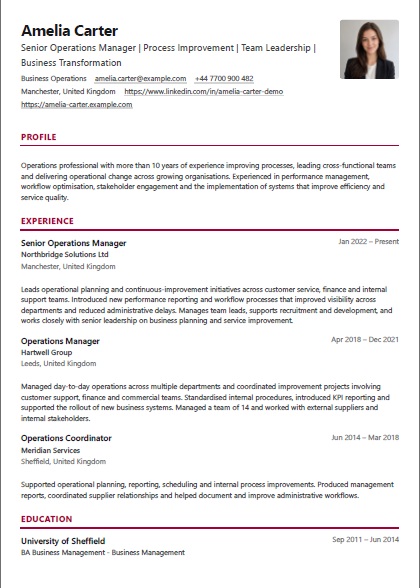
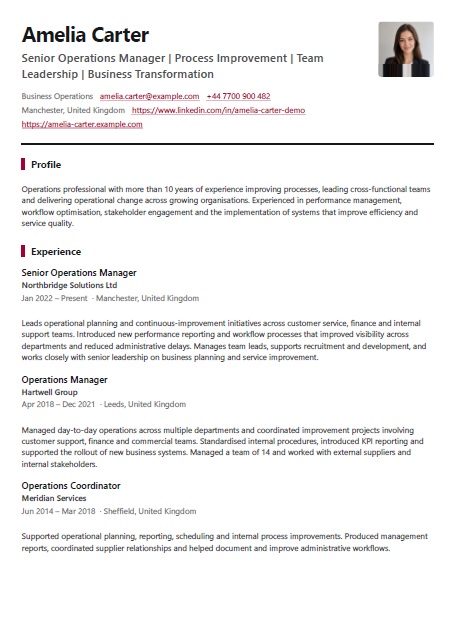
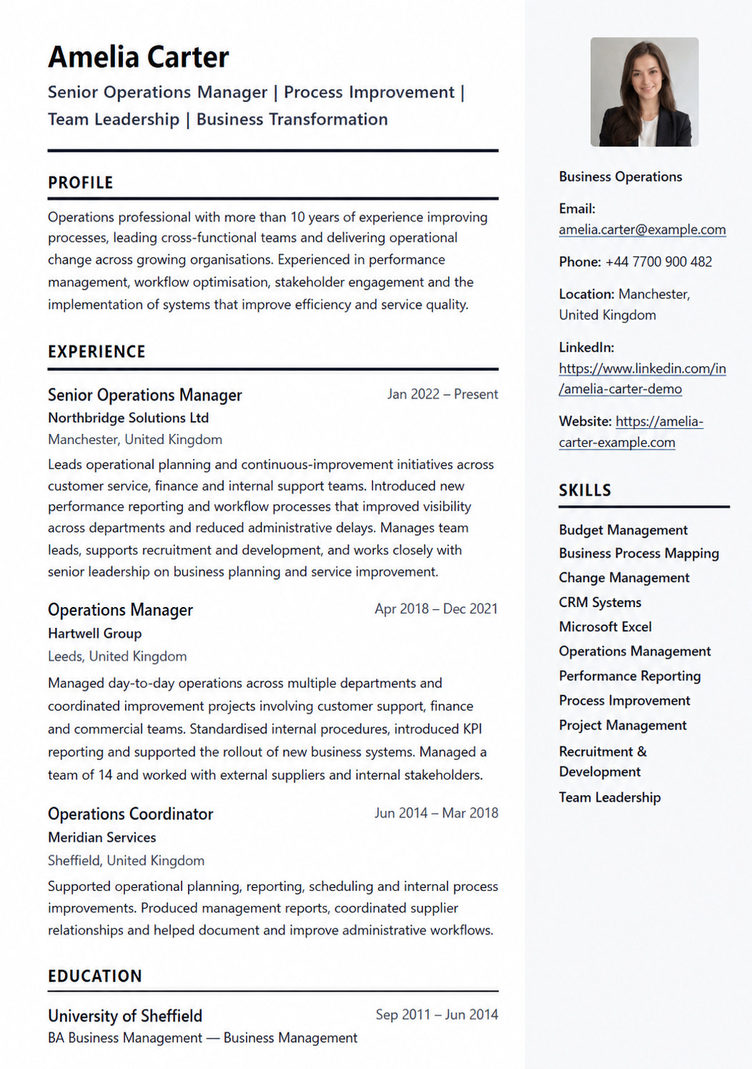
A structured two-column CV that separates key profile details and skills from the main career history for a more visual presentation.
Free templates really are free.
✓ Free PDF download · ✓ No watermark · ✓ No credit card · ✓ No paywall at download
Every template marked FREE includes all of the above.
Create your free account and start building your CV with this template.
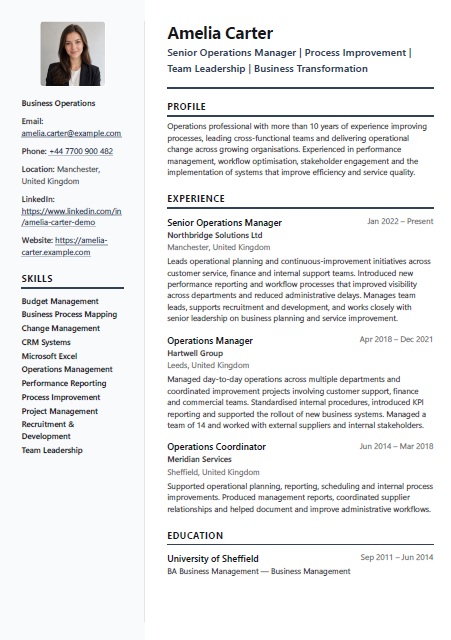
A polished two-column layout with a distinct sidebar.
Example candidate details are fictional.
These original fictional excerpts were written for this guide. They illustrate content choices, are separate from the preview candidate above, and are not a complete CV. Replace them with your own accurate information.
Choose Sidebar when a concise skills list deserves a visible place alongside career evidence. The left column works best with short entries; lengthy skill explanations need supporting detail in the main column.
Contact details and Skills sit in the narrow left column. Your name, headline, Profile summary and career sections sit in the wider main column. Section ordering stays within these groups; moving Skills does not move it into the main column.
Fictional example excerpt
Microsoft Excel
Service reporting
Supplier coordination
Why this works: These fictional skill entries are short enough for the narrow column. Include only relevant skills you can explain with evidence, and keep email and other contact details legible.
Fictional example excerpt
Service Coordinator | Rowan Field Services (fictional) | Apr 2023 – Present
Maintains an Excel request log and prepares a weekly summary of unresolved issues for supplier planning meetings.
Why this works: This fictional Experience excerpt shows where Excel, reporting and coordination were used. The sidebar helps readers locate the terms; the wider column supplies the context.
Consider Classic if long contact links or detailed career records feel cramped in two columns. A single column may also be preferable when an application system requires a simple layout.
Compare ClassicNo layout guarantees ATS results or employer approval. Follow the application instructions and review the exported PDF for readable text, line wrapping and page breaks. For help deciding what deserves space, use the CV section checklist.
Already have LinkedIn career information? See the supported file import options before starting a CV.
Build your career profile once, then reuse and tailor it for multiple CVs.
Bring in your LinkedIn data or enter your career details manually.
Maintain one master career profile and create tailored CVs for different roles.
Preview the finished result and download a polished professional PDF CV.
Need help shaping the content? Read how to write a CV or review what to include on a CV.
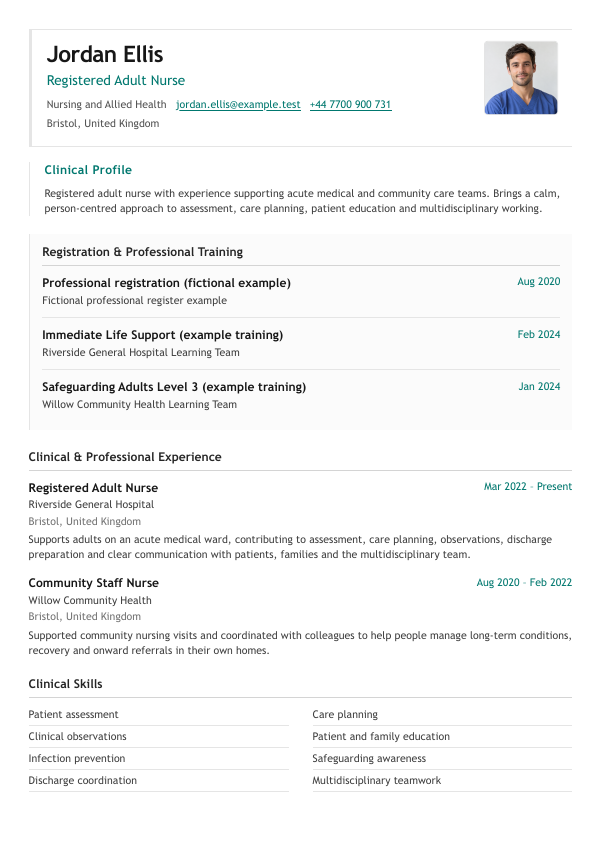
A clinical CV template for nurses and allied health professionals, with clear registration details, professional experience, and clinical skills.
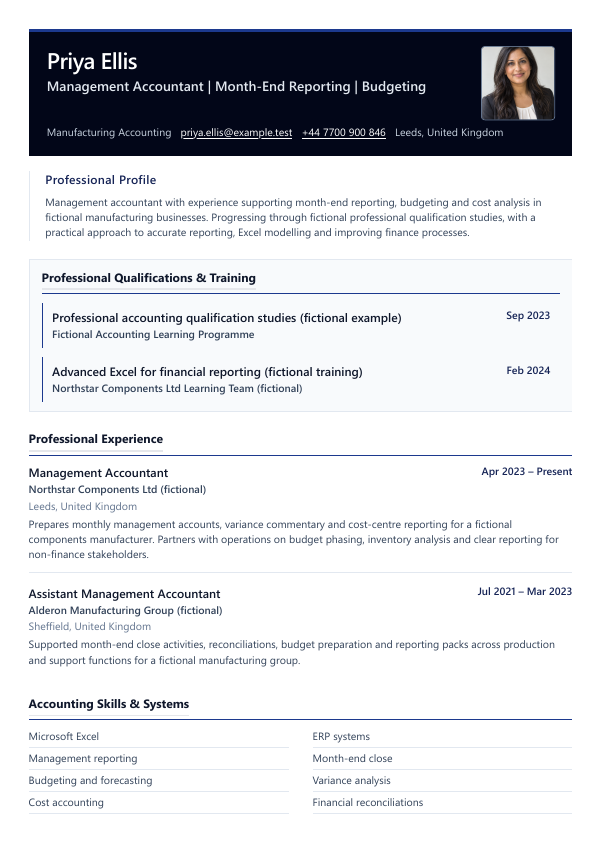
A professional accounting resume template for accountants, auditors and management-accounting professionals, with prominent qualifications, systems and reporting experience.
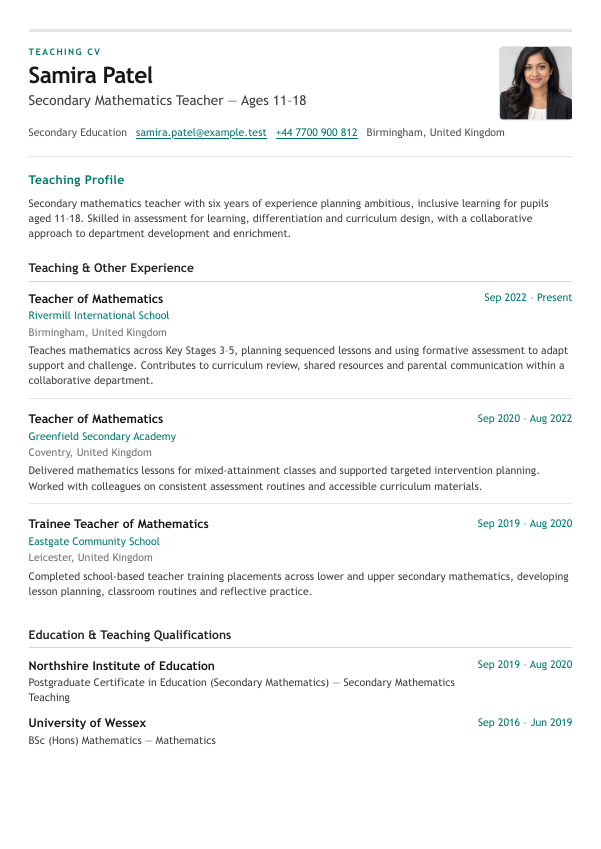
A teacher CV template for experienced secondary teachers, agency applications and international-school recruitment.
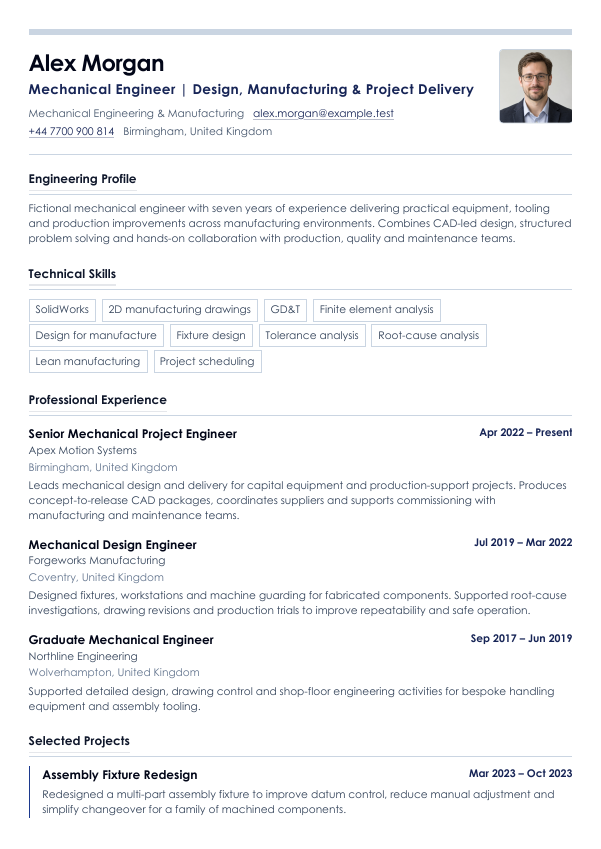
A precise engineering CV template for experienced mechanical and project engineers, with technical skills, project delivery and professional credentials clearly structured.